CodeGraph Review & Overview (Features, Pricing, & Alternatives)
If your team ships software at a steady clip, you already know the tension: the faster you move, the easier it is to break something important. Hidden dependencies, sprawling monorepos, and services that talk to other services turn small changes into risky bets. CodeGraph positions itself squarely in this gap. Its promise is simple and powerful: know what every code change can break before you hit merge.
In this review and overview, I’ll walk you through what CodeGraph aims to do, the types of features you should expect in a tool like this, who it’s best for, how to think about pricing, and which alternatives you might compare it against. I’ll keep things clear and practical so you can decide whether CodeGraph is worth a closer look for your team.
What does CodeGraph do?
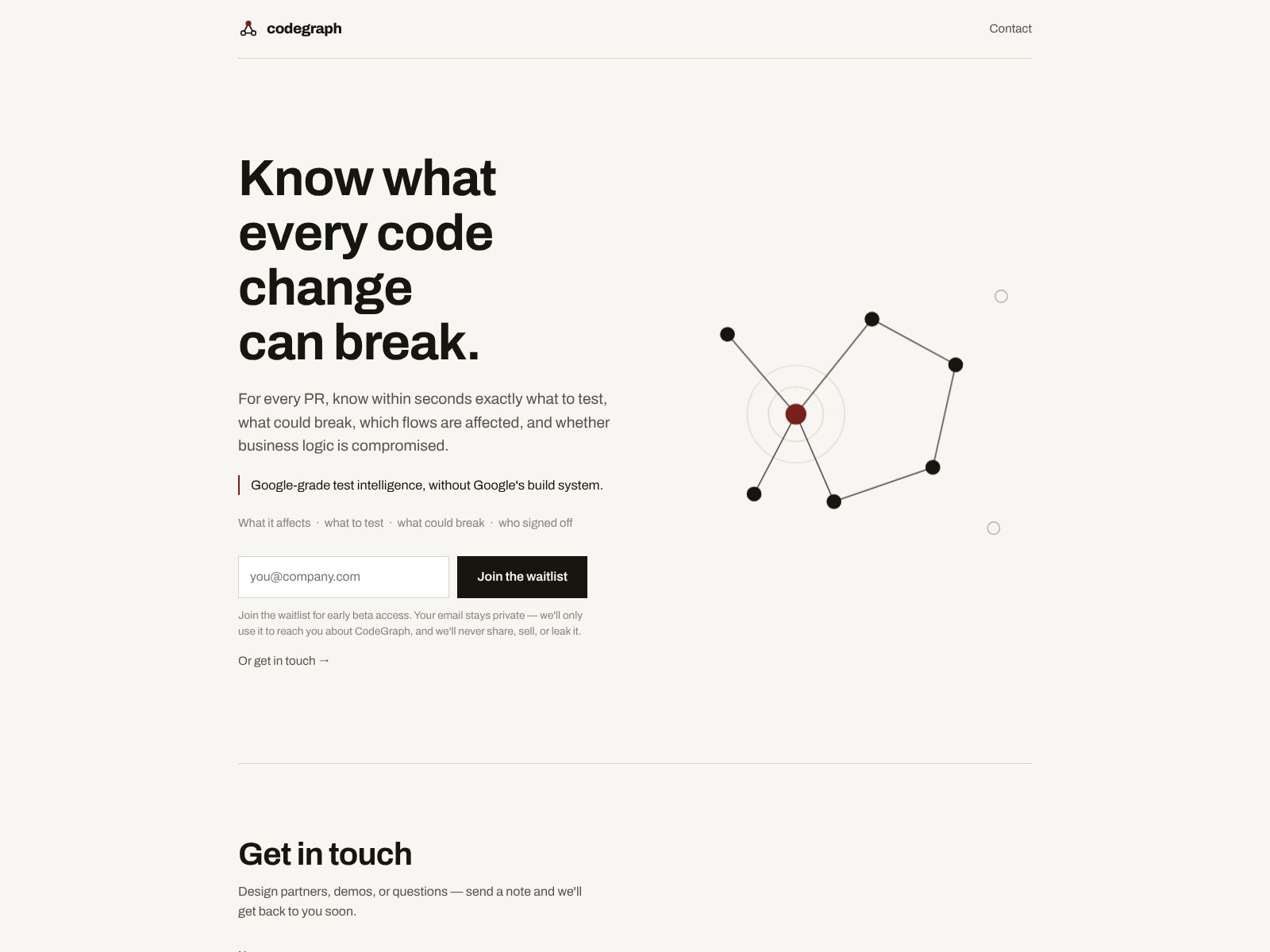
CodeGraph helps you see the impact of a code change before it lands. It maps your codebase and highlights the possible “blast radius” of a change, so you can catch issues early, run the right tests, and ship with confidence.
That’s the simple version. In practice, tools in this category build an internal graph of your repositories and services. When you open a pull request, they tell you which modules, services, configs, and tests may be affected. You get a tight feedback loop inside your PR or CI so you can fix risks before they become outages.
Why this matters now
- Modern codebases are interconnected. One line in a shared library, schema, or config can ripple across multiple services.
- Full test suites take too long. Running everything on every PR slows teams down. You need to know which tests to prioritize.
- Knowledge is tribal. Dependencies live in people’s heads. When they’re out or busy, reviews miss critical context.
- Incidents are expensive. A single escaped defect can cost far more than the time saved by skipping due diligence.
CodeGraph’s value proposition is to make these invisible dependencies visible at the moment you need them most—while reviewing and testing a change.
How CodeGraph works at a high level
While implementation details vary by vendor and deployment, solutions like CodeGraph typically:
- Index your repositories and build a dependency graph across files, modules, packages, services, configuration, and (where possible) runtime contracts like APIs and schemas.
- Map tests to code so the system can recommend or auto-select the most relevant test suites for a given change.
- Integrate with your Git provider and CI to surface impact analysis directly in pull requests and pipelines.
- Offer ownership context, so changes route to the right reviewers or teams responsible for affected areas.
- Provide dashboards and search so engineers can explore relationships and reduce onboarding time for complex parts of the codebase.
The result: for any given PR, you get a concise, evidence-based view of what might break, who cares, and what to run next.
CodeGraph features
Based on CodeGraph’s positioning—“Know what every code change can break”—and the common capabilities of this category, here are the types of features you should expect. Always confirm the exact feature list and language/runtime coverage with the vendor.
- Change impact analysis in PRs: When you open a pull request, CodeGraph highlights the likely blast radius of your changes. You’ll see which modules, services, or consumers may be affected, so reviewers know where to look and what to validate.
- Code and service dependency graph: A browsable map that connects files, packages, repos, and services. This is useful for new-hire onboarding, cross-team work, and diagnosing unexpected side effects.
- Targeted test selection: Instead of running the entire test suite, CodeGraph points CI to the most relevant tests for your change. This can significantly speed up pipeline times while keeping risk in check.
- Ownership and routing: Align changes with code owners or service owners. CodeGraph can help route reviews, surface escalation paths, and reduce back-and-forth on who should approve what.
- Risk indicators: Heuristics such as high-churn areas, critical paths, schema changes, or modifications to shared libraries can be flagged so you give extra scrutiny where it matters.
- IDE and PR bot assistance: Inline hints, warnings, or links in your IDE and PR threads, so engineers never have to context-switch to get impact insights.
- CI/CD integration: Gates or checks that fail builds when high-risk changes lack reviews, missing tests are detected, or affected areas don’t meet policy criteria.
- Monorepo and microservices support: Awareness of multi-project layouts and cross-service dependencies, including shared contracts and versioned artifacts.
- Policy and governance: Rules that enforce review requirements, code ownership, or test coverage thresholds when sensitive areas are modified.
- Audit and traceability: A history of what changed, why it was considered safe, and what checks passed. Helpful for regulated teams and post-incident analysis.
- Language and framework coverage: Multi-language parsing and analysis. Coverage varies by vendor; confirm support for your stack, build system, and test frameworks.
- Search and exploration: Query the graph—“Who calls this function?” “Which services depend on this schema?”—to make safe refactors and plan migrations.
If your team wrestles with slow pipelines, high escaped-defect rates, or uncertainty during reviews, even a subset of the above can pay for itself quickly.
Who is CodeGraph for?
- Engineering teams with monorepos or shared libraries: Changes in shared code can surprise multiple teams. Impact analysis reduces the blast radius.
- Microservice-heavy architectures: Cross-service dependencies (APIs, schemas, events) are easy to overlook. A graph view gives clarity.
- Fast-moving product orgs: When speed is a priority, you need to cut the right corners—like running only the tests that matter—without increasing risk.
- Regulated or safety-critical teams: Audit trails, enforced policies, and repeatable checks are essential for compliance and reliability.
- QA and release engineering: Prioritize what to test, when to block, and where to focus manual verification.
Benefits you can expect
- Fewer regressions: Better signal in PRs leads to better reviews and earlier detection.
- Faster CI: Targeted test selection and smart gating reduce time-to-green.
- Less tribal knowledge: A shared, accurate map of how code fits together.
- Safer refactors: Confidently touch older or core modules with a clear view of dependents.
- Higher developer confidence: Engineers can move faster without guessing what might break.
Limitations and trade-offs
No tool is a silver bullet. Be mindful of the following considerations as you evaluate:
- Initial indexing: Building a graph over large codebases can take time and compute. Plan for an onboarding window.
- Language coverage: Not all languages, frameworks, or build systems are equally supported. Validate your stack.
- False positives/negatives: Static or heuristic analysis may miss dynamic behavior or over-warn in certain patterns. Calibrate and iterate.
- Access and security: The tool needs repo and CI access. Confirm data handling, permissions, and compliance posture with your security team.
- Cultural adoption: Value emerges when engineers use the insights. Bake the tool into PR templates, CI policies, and team norms.
Pricing: what to expect
As with many developer tooling platforms, pricing details can change and may not always be publicly listed. Common models in this space include:
- Per-seat pricing: A fee per active developer using the tool, often tiered by features.
- Tiered plans: Base features at lower tiers; advanced governance, enterprise security, and SLA support at higher tiers.
- Usage-based elements: In some cases, additional costs for very large repositories, advanced analytics, or high CI throughput.
- Pilot/trial: Many vendors support a proof-of-value trial on a subset of repos to demonstrate impact.
To get an accurate quote and deployment plan for your team, reach out directly via the company’s site: getcodegraph.com. When you talk to the vendor, bring these questions:
- Which languages, frameworks, and build systems are fully supported today? What’s on the roadmap?
- How is pricing structured for our repo count, developer count, and CI volume?
- Do you support on-prem or private cloud deployments? What are the data retention and security controls?
- How do you handle test mapping and impact analysis in our specific stack?
- What results should we expect after 30, 60, and 90 days? Can you share benchmarks from similar teams?
Setup and onboarding
Here’s a typical rollout pattern for a tool like CodeGraph:
- Start small: Choose a representative repository or service with active development and a stable CI pipeline.
- Connect SCM and CI: Grant access to GitHub/GitLab/Bitbucket and your CI provider. Scope permissions to least privilege.
- Index and calibrate: Let the tool build the dependency graph. Validate early insights with senior engineers.
- Enable PR checks: Add impact summaries and test recommendations to pull requests. Keep them informational at first.
- Iterate on signal: Tune noisy rules, add code ownership metadata, and adjust policies for critical areas.
- Expand gradually: Roll out to more repos and teams, introduce blocking checks where justified, and track outcomes.
Keep an eye on developer feedback. A small investment in calibration can unlock a big jump in trust and usefulness.
How to measure ROI
Pick a few concrete metrics before you launch so you can prove value:
- Escaped defects per release: Aim for a measurable reduction.
- PR cycle time: Faster time-to-merge without sacrificing quality.
- CI duration per PR: Shorter pipelines due to targeted test selection.
- Revert rate: Fewer rollbacks or hotfixes tied to dependency issues.
- Onboarding time: Faster ramp-up for new engineers in complex areas.
CodeGraph top competitors and alternatives
Depending on your needs, you may compare CodeGraph to one or more of the following. Note that these tools overlap but aren’t identical; some focus on code search, some on test impact analysis, and others on quality or security. Your ideal choice may combine a few of them.
- Sourcegraph: Enterprise code search and code intelligence. Great for finding references, large-scale migrations, and exploring dependencies. While not a one-to-one replacement for change impact analysis, it is a strong complement and sometimes used for similar discovery workflows.
- CodeSee: Visual codebase maps to understand architecture and data flows. Helpful for onboarding and planning refactors across monorepos or microservices.
- Launchable: Test impact analysis that selects the most relevant tests for each change to speed up CI while keeping risk managed.
- SonarQube / SonarCloud: Static code quality and security scanning. Focused on code smells, vulnerabilities, and coverage rather than change blast radius, but often paired with impact tools.
- GitHub native tooling (Code Search, CODEOWNERS, branch protections): Platform-native code search and governance. Useful foundations that may cover some lightweight needs if your team prefers minimal tooling.
- CodeQL (GitHub Advanced Security): Semantic code analysis for security vulnerabilities. Not an impact-analysis product, but important for secure changes and PR checks.
- Snyk and Dependabot: Dependency vulnerability scanning and automated updates. Focused on third-party package risk rather than internal code impact.
- Gradle Enterprise (Test Distribution and Build Scans): Deep insights and acceleration for JVM builds and tests, including flaky-test detection and targeted diagnostics.
- Backstage (Service Catalog): A developer portal and service catalog that can clarify ownership and documentation across services; complementary to change impact analysis.
- Codecov: Test coverage reporting. Useful context to understand whether the affected areas are well tested.
How to choose between them:
- If your top pain is not knowing what a change can break and you want that answer in every PR, prioritize a dedicated impact-analysis tool like CodeGraph.
- If your priority is finding code fast and doing large-scale refactors, strong code search (e.g., Sourcegraph) is essential.
- If CI speed is the bottleneck, look closely at targeted test selection (e.g., Launchable) and build acceleration tooling.
- If the focus is quality and security, SonarQube/SonarCloud and CodeQL/GHAS are mainstays.
- Many teams succeed by combining impact analysis with code search and quality tooling for complete coverage.
Real-world scenarios where CodeGraph shines
- Changing a shared API: You modify a request parameter. CodeGraph flags all services and clients using that API and points you to related tests that must pass before merge.
- Refactoring a core library: You restructure a utility used across multiple products. The tool surfaces downstream consumers and risk areas, so reviewers pull in the right teams.
- Speeding up CI: Your full suite takes 90 minutes. With impact-aware tests, you run only what matters for most PRs, cutting feedback time dramatically.
- Onboarding a new engineer: A new teammate needs to tweak the auth flow. The dependency graph and ownership data reduce guesswork and help them avoid accidental breakage.
Security, privacy, and deployment questions to ask
Before rollout, align with your security and platform teams on:
- Data access: Which repos, branches, and build logs are accessed? Is access read-only? How are secrets handled?
- Deployment model: SaaS vs. self-hosted or private cloud. What’s the isolation model? Data residency?
- Compliance: SOC 2, ISO 27001, GDPR—what certifications and controls are in place?
- RBAC and SSO: Role-based access and enterprise authentication (SAML/SCIM) for least-privilege access.
- Audit logs: Can you trace who saw what, when, and how decisions were made?
Tips for a successful pilot
- Pick a high-signal repo: Choose a codebase with frequent changes and known dependencies to showcase value.
- Define success: Agree on target metrics (e.g., 20–40% CI time reduction, fewer hotfixes) and a timeline.
- Involve leads early: Senior engineers can validate or refine the model, increasing trust among the team.
- Start read-only: Begin with advisory checks, then move to gating once signal is proven.
- Close the loop: Review wins and misses weekly during the pilot. Tweak rules and coverage.
Frequently asked questions
- Is this just static analysis? Impact tools often combine static analysis with repository metadata, ownership rules, and sometimes runtime or test telemetry. The goal is practical, PR-level guidance rather than purely theoretical analysis.
- Will it slow down our developers? There’s an initial learning curve, but the steady-state experience should save time in reviews and CI. Most value comes from preventing regressions and eliminating unnecessary work.
- Do we still need full test runs? For critical merges (e.g., release branches), many teams still run full suites. On feature branches and early PRs, targeted tests offer a faster loop.
- What about dynamic languages? Language support varies. Validate coverage for your stack, including how the tool infers dependencies in dynamic code.
Pros and cons at a glance
Pros
- Clear visibility into the blast radius of changes
- Faster PR feedback with targeted tests and risk cues
- Better routing to owners and stakeholders
- Shared map of complex systems, reducing tribal knowledge
Potential cons
- Calibration effort required to reach high signal
- Possible gaps in language or framework coverage
- Security reviews needed due to repository access
- Overhead if teams don’t adopt PR and CI checks consistently
Who should buy now vs. wait
- Buy now if you have frequent regressions, long CI times, or cross-team changes that regularly surprise you. The ROI is usually immediate.
- Evaluate later if your codebase is small, test suites are fast, and ownership is simple. Revisit as complexity grows.
Getting started with CodeGraph
If the promise of “knowing what every code change can break” resonates with your current pains, the next step is a focused pilot. You can learn more and request a demo or trial at getcodegraph.com. Bring a representative repo, define metrics up front, and aim to ship real features during the pilot so you can measure real-world impact.
Wrapping up
Modern software development thrives on speed but stumbles on hidden dependencies. CodeGraph addresses this head-on with impact analysis that tells you what a change might break before you merge it. If your team lives in a web of shared libraries, microservices, or a hefty monorepo, this visibility can mean the difference between confident shipping and firefighting.
As you evaluate, keep three questions in mind:
- Will this shorten our feedback loops without sacrificing safety?
- Does it cover our languages, frameworks, and CI paths well?
- Can we integrate it cleanly into our PR and ownership workflows?
If the answers look promising, CodeGraph is worth a serious trial. Even a single prevented outage or a sustained cut in CI time can pay back the investment quickly. To explore further, visit getcodegraph.com and see how knowing the blast radius of every change could change the way your team ships.