




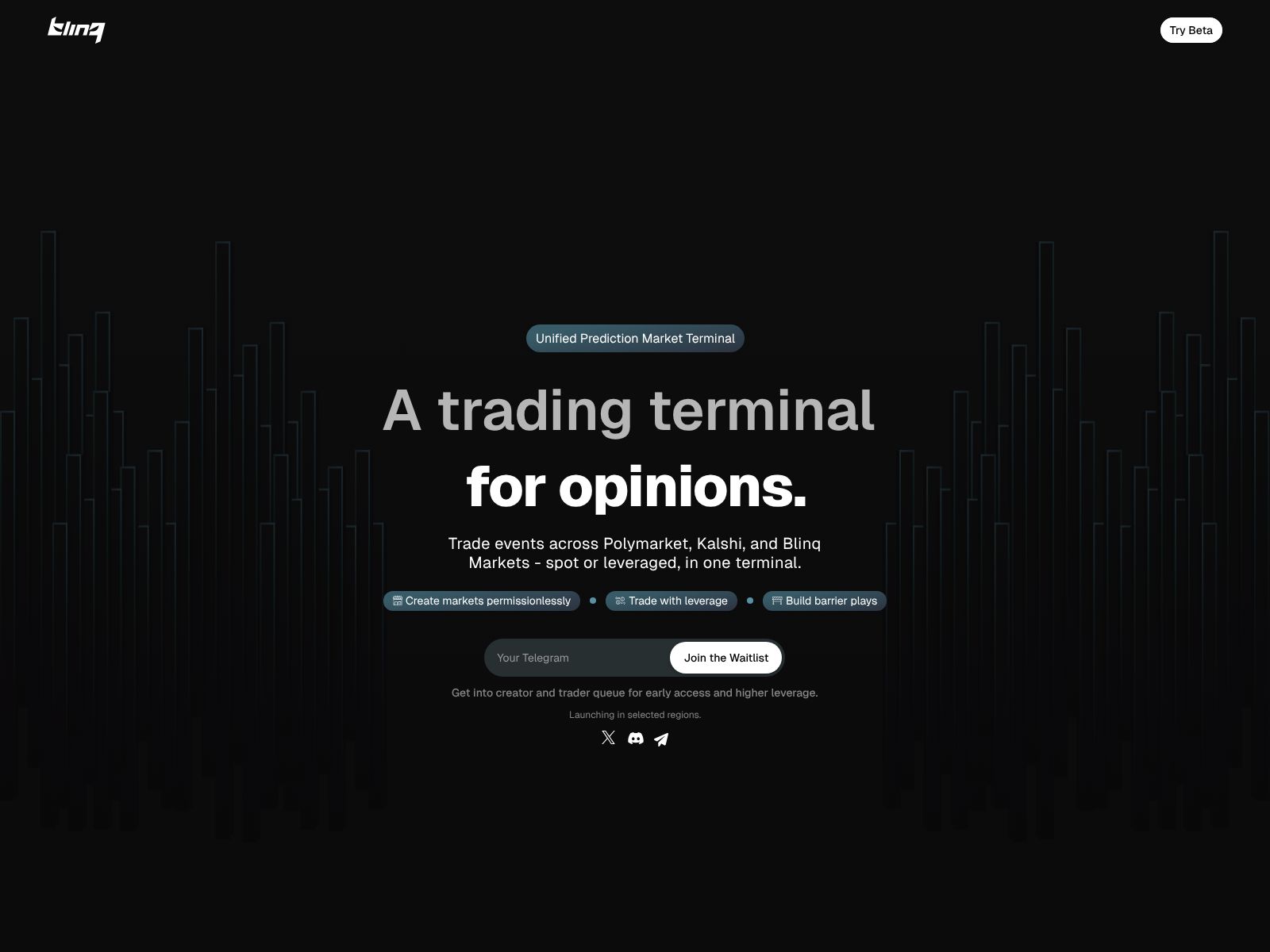
If you’ve ever tried to keep up with prediction markets, you know how fast things move and how scattered the information can feel. Prices shift with every headline, liquidity comes and goes, and you end up bouncing across different platforms to find a clean read on what’s actually happening. Blinq aims to solve that problem by giving you a single place to watch, compare, and work with prediction markets in real time.
In this review, I’ll walk you through what Blinq is, why it’s useful, the kinds of features you should expect from a “prediction market terminal,” where it fits in your workflow, and how it stacks up against alternative platforms. My goal is to keep it simple and practical so you can decide if Blinq deserves a spot in your daily toolkit.
Blinq is a prediction market terminal. In plain English, it gives you one interface to discover, track, and analyze prediction markets, so you don’t have to constantly switch between multiple sites and dashboards.
If you want a single view of where probabilities are moving, what liquidity looks like, and which markets matter right now, a terminal like Blinq brings that together in a way that saves time and helps you act faster.
Blinq describes itself as a terminal for prediction markets. While individual product details can evolve, here are the core capabilities you should expect from a platform in this category and how they can help your workflow.
Instead of hunting for markets one by one, you should be able to:
Why it matters: You get a “map” of the prediction landscape at a glance, which makes it easier to spot where attention and money are flowing.
A terminal should make it simple to read price and trend without noise:
Why it matters: You can quickly tell whether a move is just a blip on low volume or part of a broader trend.
Markets can look informative, but low liquidity can make prices fragile. A terminal helps you judge market quality by exposing:
Why it matters: Your confidence in a probability should match how much capital backs it. Liquidity is a proxy for confidence.
The details of how a market resolves matter. A good terminal puts key context at your fingertips:
Why it matters: You can avoid gotchas and misunderstandings that sometimes occur when resolution criteria are interpreted narrowly.
Once you identify the markets you care about, you want to track them with minimal effort:
Why it matters: You don’t need to stare at screens to catch important changes. The system pings you when it’s time to pay attention.
If Blinq supports connections to the platforms you trade on, you should be able to:
Why it matters: Prediction market exposure can get tangled fast. A portfolio view helps you avoid accidental overconcentration.
For researchers, quants, and data teams, a terminal is only as useful as its pipes:
Why it matters: You can test hypotheses, build screens, and turn markets into signals your team can reuse.
A terminal can help you think through risk by offering:
Why it matters: If you’re making decisions under uncertainty, even a simple calculator helps you quantify risk and avoid gut-feel errors.
For a tool you might keep open all day, speed and clarity matter:
Why it matters: You can move quickly without burning time on clicks and clutter.
Prediction markets are great conversation starters. Collaboration features can include:
Why it matters: Your whole team can get on the same probability page with minimal friction.
Pricing details can change over time and may depend on features such as historical data access, API limits, or team collaboration tools. If you’re evaluating Blinq for serious research or team-wide use, it’s best to check the official website for the most current plans and any free tier or trial options.
As a general pattern with terminals:
If you rely on data exports or integrations, clarify what’s included at each tier to avoid surprises later.
Let’s say a key macro report is due, or an election debate is about to start. With a terminal, you can:
Outcome: You get a clean “before/after” read and your team can align quickly on what the market is actually pricing in.
If you report to leadership or clients, you can:
Outcome: You replace sprawling threads and opinion debates with a shared, up-to-date probability baseline.
For analysts and quants:
Outcome: You turn anecdotal impressions into reusable rules and tools.
Depending on what you want to do—trade directly, forecast as a community, or run analytics—different platforms may be a better fit. Here are notable alternatives and how they compare conceptually to a terminal like Blinq.
What it is: A popular on-chain prediction market with real-money trading outside certain jurisdictions.
Why you’d pick it: You want to trade directly in a wide range of markets with significant activity and you’re comfortable with crypto workflows and associated risks.
Trade-offs: As a marketplace, Polymarket is great for execution but doesn’t aim to be a cross-platform analytics terminal. Liquidity varies by market, and access depends on your jurisdiction.
What it is: A forecasting market platform with a strong builder community, easy market creation, and social features.
Why you’d pick it: You want to create or participate in a community of forecasters, run tournaments, or embed markets in content and apps.
Trade-offs: While Manifold offers rich market variety and community dynamics, it’s not designed as a cross-platform terminal for aggregating external markets.
What it is: A CFTC-regulated U.S. exchange for event contracts with defined categories and compliance-friendly market structure.
Why you’d pick it: You need a regulated venue for specific event exposures and want direct, compliant trading.
Trade-offs: Category coverage is curated and narrower than the broader prediction ecosystem. It’s an exchange, not an aggregation terminal.
What it is: A community forecasting platform known for quality questions, tournaments, and aggregate forecast signals.
Why you’d pick it: You care about calibrated community forecasts and expert tournaments rather than trading per se.
Trade-offs: It’s not a trading exchange and does not focus on cross-market liquidity or execution.
What it is: A forecasting platform open to the public, associated with the Good Judgment Project and superforecaster community.
Why you’d pick it: You want to practice or showcase your forecasting skills and tap into a community focused on calibration and accuracy.
Trade-offs: Not an exchange; emphasis is on forecasts, reasoning, and track records rather than tradable liquidity.
What it is: A decentralized prediction market protocol enabling markets on Gnosis Chain and related ecosystems.
Why you’d pick it: You want decentralized market creation and trading in a crypto-native environment.
Trade-offs: Liquidity and user experience can vary, and it’s not a unified terminal by default.
What it is: A long-running platform for political event contracts with U.S. focus and academic heritage.
Why you’d pick it: You’re focused on U.S. political markets within its specific constraints and historical community.
Trade-offs: Regulatory constraints and market limits apply; it’s not an aggregator terminal.
What it is: A marketplace for prediction markets with real-money trading and a broad category set.
Why you’d pick it: You want more markets to trade and are comfortable with the platform’s structure and jurisdiction.
Trade-offs: As with other exchanges, it’s geared toward trading rather than cross-ecosystem analytics.
A terminal is usually built for discovery and analysis. You may click through to trade on the underlying platforms, but the terminal’s primary job is to help you find and understand markets, not to hold your funds or execute custody.
Markets are useful, not perfect. Treat them as one input—especially helpful for tracking expectations and reactions—but pair them with your own research. Liquidity, resolution rules, and the participant base all affect reliability.
Individual exchanges have their own rules, KYC requirements, and geographic restrictions. A terminal can help you see prices; it doesn’t change the rules of where you can trade. Always check the terms for each platform.
Teams benefit from shared watchlists, alerts, and consistent views. Instead of debating opinions, you align on a real-time probability baseline, then layer on your analysis and policy decisions.
A few features that, if present or added, can turn a terminal from helpful to indispensable:
Prediction markets are most useful when they are legible. Raw prices only tell part of the story. You also need to know liquidity, rules, and how the market responded to new information. A terminal centralizes that context. It reduces confusion, shortens feedback loops, and lets you treat markets as structured signals rather than a jumble of links.
That’s the promise Blinq is aiming at: a single, reliable place to discover and understand markets without wasting time.
Blinq positions itself as a prediction market terminal—that means it’s built to make markets easier to find, read, and use. If you live in this space as a trader, analyst, journalist, or decision-maker, having a clear, unified view can save you hours each week and raise the quality of your calls.
To decide if it’s right for you, try a focused pilot. Pick the markets you already track, set sensible alerts, and invite one teammate. If, after a week, you’re spending less time hunting and more time deciding, the terminal is doing its job.
Alternatives like Polymarket, Kalshi, Manifold, Metaculus, and others all play important roles, but they serve different needs—trading, community forecasting, or specific regulated exposures. Blinq is complementary: it sits on top as your map and control panel.
As with any tool, the details that matter most are the ones you’ll use every day—speed, coverage, clean data, and collaboration. If Blinq delivers those for the markets you care about, it’s a strong addition to your forecasting and trading stack.
Note: Features, coverage, and pricing can evolve. For the latest details, visit Blinq’s website and, if available, test the product with your real workflow before making a commitment.
